A 100-page paper packet
Today:Forms are scattered across email, binders and shared drives. Families fill in the same details twice, and staff spend the week before move-in chasing signatures and photocopies.
Follow one move-in
Every tool your team needs in one senior living resident move-in software platform. Follow Eleanor M., a sample resident, from the day her family pays the deposit to the day she feels at home, and see where ResiOnboarding steps in.
01 · The move-in plan
Today:Every move-in starts from a blank checklist, and each department keeps its own list.
The moment Eleanor's deposit comes in, her move-in plan is ready. Sales, care, dining, maintenance and life enrichment each see their tasks, owners and due dates, phase by phase, so nothing depends on who happens to be working that day.
Eleanor M. · Apartment 214
19% of the plan done
Sales
Care
Dining
Maintenance
Life enrichment
02 · Resident & family portal
Today:A 100-page paper packet, photocopies, and a week of chasing signatures.
Eleanor and her son finish the move-in paperwork online. They sign documents, upload forms and see what is left, while your team sees the same progress from the office.
Welcome, Eleanor
Your part
20%
Moving in Monday · a few things left
03 · Sales-to-operations handoff
Today:What the family shared on the tour lives in one person's notes, and the resident repeats it on day one.
Eleanor's low-sodium diet, the grab bars she needs and her love of gardening go from the sales notes to the teams that act on them. Each department gets a task with an owner, and everyone can see when it is done.
From the tour to every department
Low-sodium, no shellfish
Owner: Tom R. · due before Monday
Grab bars in bathroom
Owner: Luis G. · due before Monday
Assessment Tuesday at 10 AM
Owner: Nina K. · due before Monday
Loves gardening: invite to garden club
Owner: Amy S. · due before Monday
04 · Readiness & check-ins
Today:Once the boxes are unpacked, nobody asks how the resident is doing until a complaint arrives.
Before move-in day, Eleanor's readiness builds as each key step is done. After it, day 5, 30 and 90 check-ins go to her and her family, and an answer that needs attention is flagged for a call while there is still time to act.
Before move-in day
100%
Ready for move-in day
After move-in
05 · Leadership
Today:Leadership hears about a rough move-in after the family calls.
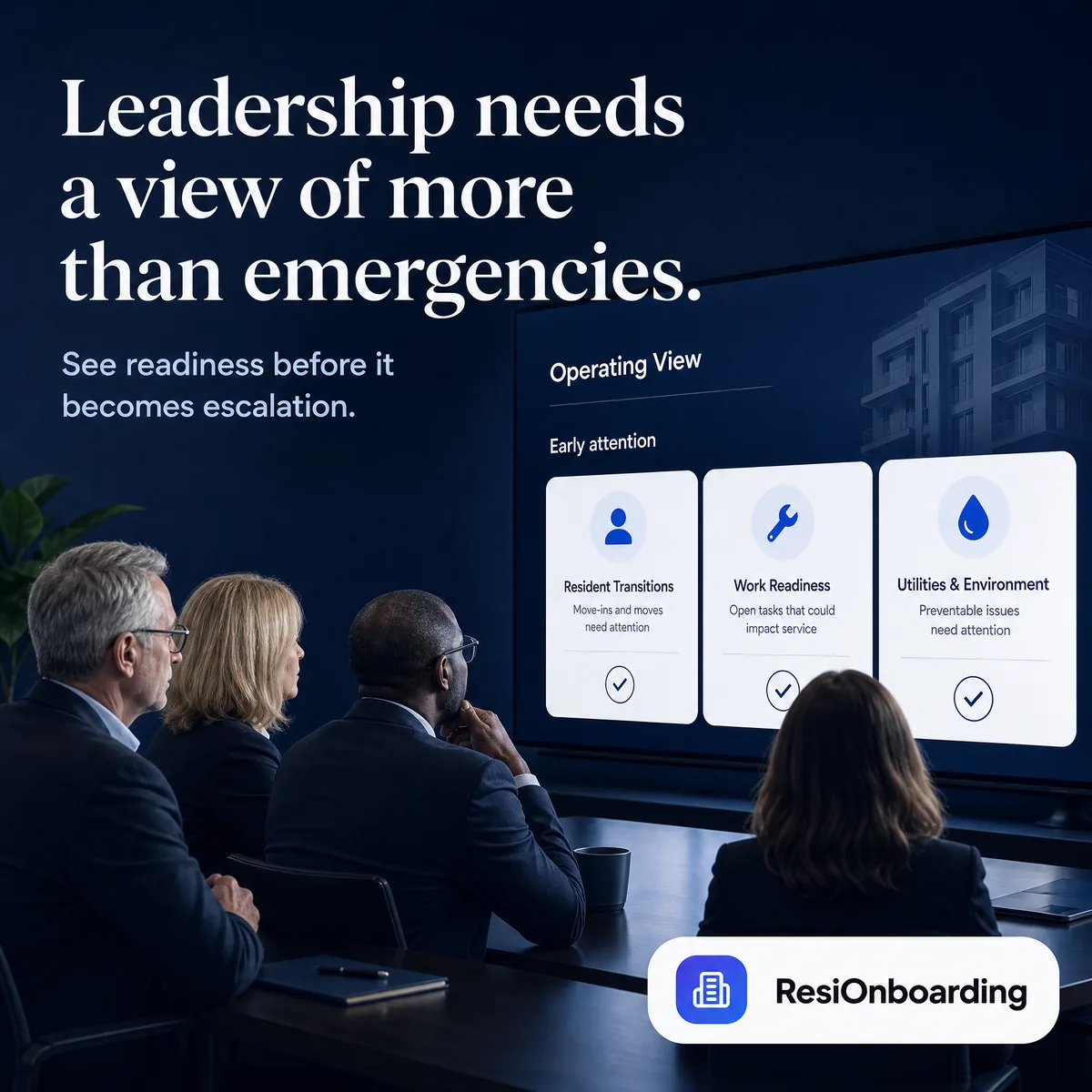
Executive Directors and regional leaders see every upcoming move-in, its readiness and its overdue tasks, across every community, without asking anyone for a spreadsheet.
| Aspen Hollow | 3 | 94% | 0 |
|---|---|---|---|
| Harbor View | 5 | 64% | 7 |
| Sample Senior Living | 4 | 86% | 1 |
| Sunset Ridge | 2 | 80% | 2 |
| Willow CreekEleanor M. moves in Monday | 6 | 72% | 5 |
Readiness is the share of each community's move-in tasks that are done. Select a column to sort.
06 · Part of ResiConnect
When Eleanor's move-in is complete, she joins ResiConnect with the same profile, contacts and history. Activities, dining, rides and feedback pick up from there, for as long as she lives with you.
From move-in to every day after
ResiOnboarding
Move-in checklist complete (done)
Documents signed, apartment ready, every department checked off.
ResiConnect
Joins ResiConnect (done)
Same profile, contacts and history. Nothing re-entered.
ResiConnect
First event booked (done)
Garden club on Wednesday, booked from the resident portal.
ResiOnboarding
Day 30 check-in (done)
Settling in well. The team sees it, and so does the ED.
The problem
Missed tasks, scattered spreadsheets and frustrated families make a move-in feel chaotic. ResiOnboarding replaces the chaos with one shared plan. Flip each card to see the same moment with ResiOnboarding.
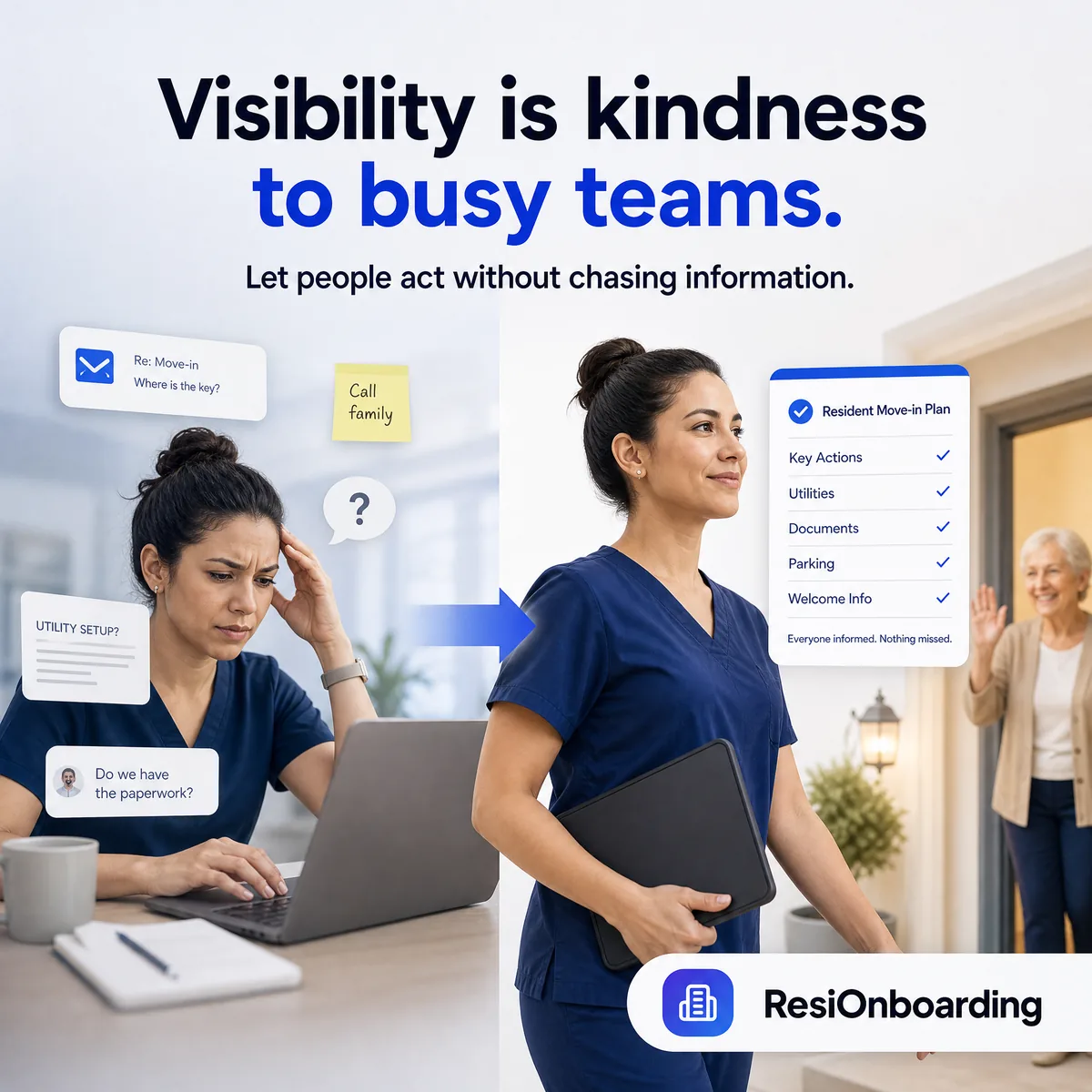
Today:Forms are scattered across email, binders and shared drives. Families fill in the same details twice, and staff spend the week before move-in chasing signatures and photocopies.
Today:Sales, care, dining and maintenance each know part of the story. Details from the tour get lost in the handoff, and the resident ends up repeating themselves on day one.
Today:Executive Directors can't tell which move-ins are on track and which are quietly slipping. Regional leaders find out when a frustrated family calls.
Today:Once the boxes are unpacked, nobody checks how the resident is settling in until a complaint or a move-out conversation.
THE FIRST 90 DAYS
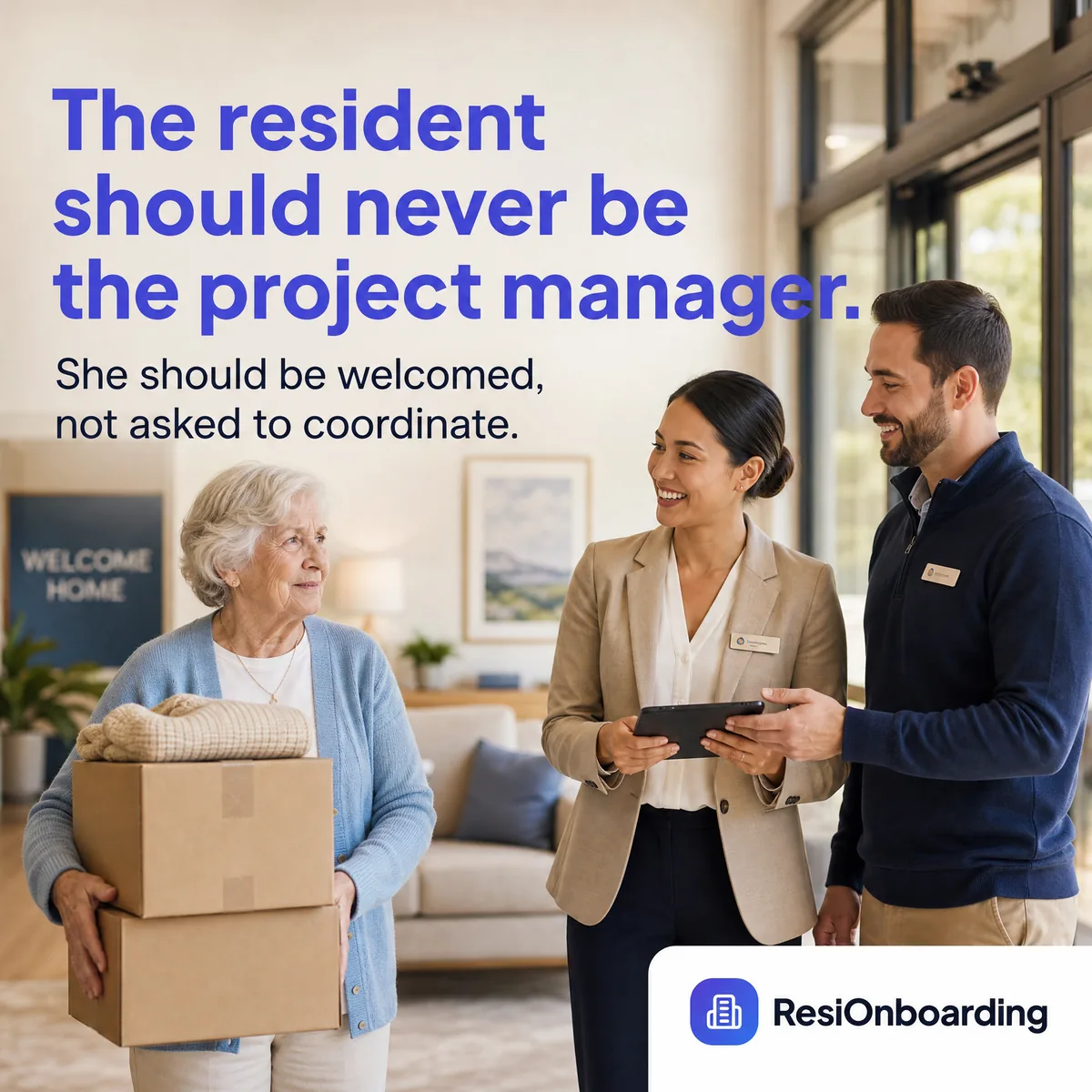
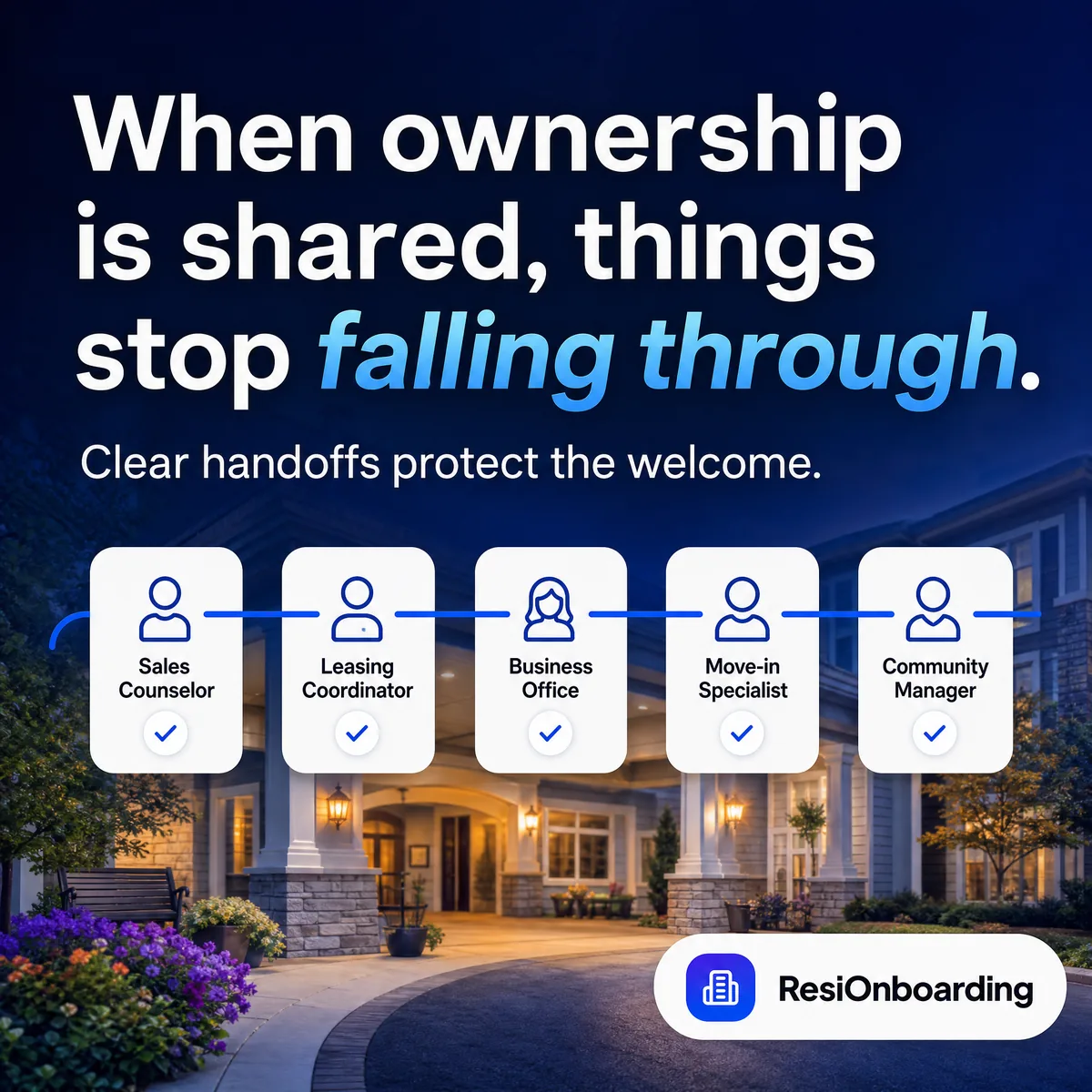
Sales makes the promise. Operations keeps it. ResiOnboarding is the shared plan that connects them.

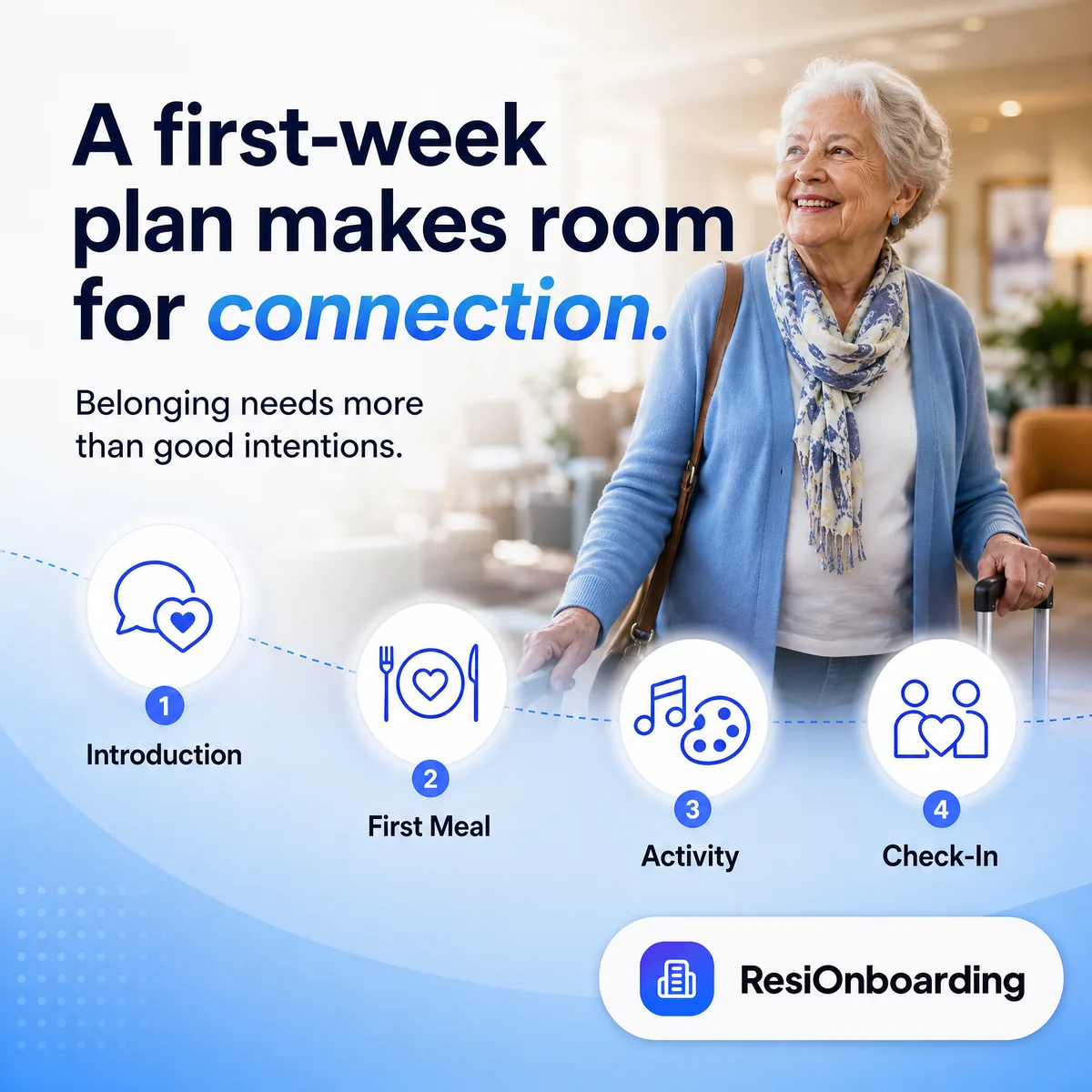
See it in 25 seconds
One minute is all it takes to see what a connected move-in looks like.
Want the full walkthrough? Request a demo or read the product overview.
Features
Every tool your team needs to deliver a seamless, professional move-in, built around how senior living teams actually work: the sales office, the care team, the dining room and the maintenance shop.
One shared plan for every resident, from deposit through day 90.
Before move-in, move-in day and first-90-days tasks, customizable by community and care level.
Tasks routed to sales, care, dining, maintenance and life enrichment with clear owners, due dates and status.
What the family shared on the tour reaches every department that needs it, in writing and in one place.
A single record of each resident: preferences, contacts, documents and every interaction.
A modern, stress-free experience instead of a paper packet.
Move-in paperwork completed online, with e-signatures and uploads instead of photocopies.
Invite family members to help with the move and keep them informed throughout.
Role-based access and an auditable history of documents, so move-in paperwork is complete and protected.
Check in while there is still time to act.
Structured surveys for residents and families at the moments that matter most.
Flags when survey answers, missed tasks or staff notes suggest a resident needs attention.
See each resident's readiness as tasks are completed, not after a family calls.
From one community to a regional portfolio.
Completion rates, satisfaction scores and at-risk residents in one live view.
Manage every community from a single corporate dashboard with consistent standards.
Compare upcoming move-ins, readiness and overdue tasks across communities.
How it works
Go fully digital without asking families to learn something complicated. Staff can still help anyone who prefers to do things in person.
Add your communities and team, and start from move-in checklists you can tailor to each community and care level.
When a deposit comes in, each department gets its tasks, and the resident and family finish their paperwork in the portal.
Day 5, 30 and 90 check-ins show how each resident is settling in, and leadership sees every move-in across every community.
Who it's for
For independent living, assisted living, memory care and life plan communities, from a single building to a regional portfolio.
Brand experience
The move-in experience is your community's first impression. Make it count.
Deliver a consistent, high-quality move-in experience that reflects your community's values.
Position your communities as modern, forward-thinking places for seniors and their families.
Replace overwhelming paperwork with a guided, stress-free digital experience.
Free your team from administrative work so they can focus on welcoming new residents.
Move-in process
The assisted living move-in process sets the tone for everything that follows. When paperwork is incomplete, room readiness slips, or a family is left waiting on a return call, residents arrive with doubt instead of confidence, and that doubt compounds across the first weeks of their stay.
Operators who treat onboarding as a structured workflow, rather than a series of one-off tasks, build resident satisfaction, family trust and 90-day retention. Clear ownership across sales, wellness, dining and maintenance reduces handoff errors and frees staff to focus on relationships instead of reminders.
ResiOnboarding gives every department a shared view of the resident journey, so move-in day feels prepared, personal and on-brand, every time. The assisted living move-in process
First 90 days
The first 90 days resident experience is where belonging is built, or lost. New residents are forming opinions about their care team, their neighbors, and whether this community feels like home. Families are deciding whether to recommend you, renew, or look elsewhere.
Engagement during this window matters for long-term retention. Residents who attend activities in the first month, connect with at least one staff member by name, and feel heard during early check-ins are more likely to settle in successfully.
Structured 5, 30 and 90-day touchpoints turn the early experience from guesswork into a program you can track, surfacing risks before they become move-outs and giving leadership a clear view of which communities are delivering on the promise. Read the first 90 days guide
Resident onboarding system
Most communities don't lack effort; they lack visibility. Sales has the deposit, wellness has the assessment, dining has the dietary preferences, and maintenance has the unit checklist. When that information lives in separate inboxes and binders, even small gaps create friction the resident feels on day one.
ResiOnboarding is a senior living onboarding software built around a single source of truth for every resident. Phase-based checklists assign the right task to the right department at the right time, while real-time dashboards show executive directors and regional leaders exactly where each move-in stands.
The result is a resident experience in senior living that feels coordinated rather than chaotic: fewer missed steps, faster issue resolution, and a stronger first 90 days for every new resident. Senior living onboarding software
Guides
Practical guides on move-ins and the first 90 days, written for the people who run senior living communities.
FAQ
ResiOnboarding is move-in coordination software built specifically for senior living communities, covering the resident journey from deposit through day 90. It gives operators a task system organised by department and move-in phase, a resident and family portal, document collection with e-signature, checkpoint surveys tied to the move-in timeline, and analytics on where move-ins stall. It was built by a senior living operator rather than adapted from software for another industry.
Senior living move-in software is a system that coordinates every task, document, and hand-off between the moment a prospective resident places a deposit and the end of their first 90 days in the community. It sits between the CRM that manages the sales pipeline and the electronic health record that manages clinical care — covering the operational gap where a signed lease becomes a settled resident. Typical capabilities include cross-department task assignment, document collection and e-signature, family and resident portals, and structured check-ins at fixed intervals after move-in.
Resident move-in coordination is the operational discipline of sequencing the work that multiple departments must complete before, during, and after a new resident arrives. A single move-in typically requires coordinated action from sales, business office, maintenance, dining, wellness, and life enrichment — often 25 to 40 discrete tasks. Coordination fails when that work lives in email threads, shared spreadsheets, and one coordinator's memory rather than in a system with owners and due dates.
A CRM manages the relationship until the sale closes; move-in software manages everything after it. CRMs are built for occupancy pipeline, tour tracking, and lead nurture, and their workflow generally ends at deposit or lease signature. Move-in software begins there and runs through the first 90 days of residency. Communities running only a CRM usually discover the gap the same way — the handoff from sales to operations happens in a forwarded email. ResiCRM, our own senior living CRM, is coming soon and is being built to hand each deposit straight into ResiOnboarding.
An EHR records clinical care; move-in software coordinates the operational and experiential work around a resident's arrival. EHRs manage assessments, medications, care plans and clinical documentation. Move-in software manages deposits, documents, apartment readiness, dining preferences, family communication, and settling-in check-ins — none of which are clinical records. The two are complementary, and a community typically needs both.
Families get their own portal view showing exactly what has been completed, what remains, and who is responsible for each item, so nobody has to phone the community to ask whether something has been forgotten. Adult children coordinating a parent's move from another state can complete documents, see move-in progress, and message staff without waiting for business hours. Most move-in anxiety is not about the tasks themselves but about not knowing whether anything has been missed, and a visible list resolves that directly.
Residents get a portal showing what they personally need to complete, what the community is handling for them, and their documents and messages in one place. The resident's progress reflects only their own items — documents to sign, check-ins to answer, preferences to set — never the community's internal task list. The portal is designed for large type, high contrast, and tablet use, with dictation available so residents can speak rather than type.
Yes — task templates, departments, phases, document requirements, and settling-in prompts can all be configured per community. Operators running several communities can set a portfolio standard and let individual communities override specific items where local practice, state regulation, or building layout differs. Changing a template does not disturb move-ins already in progress.
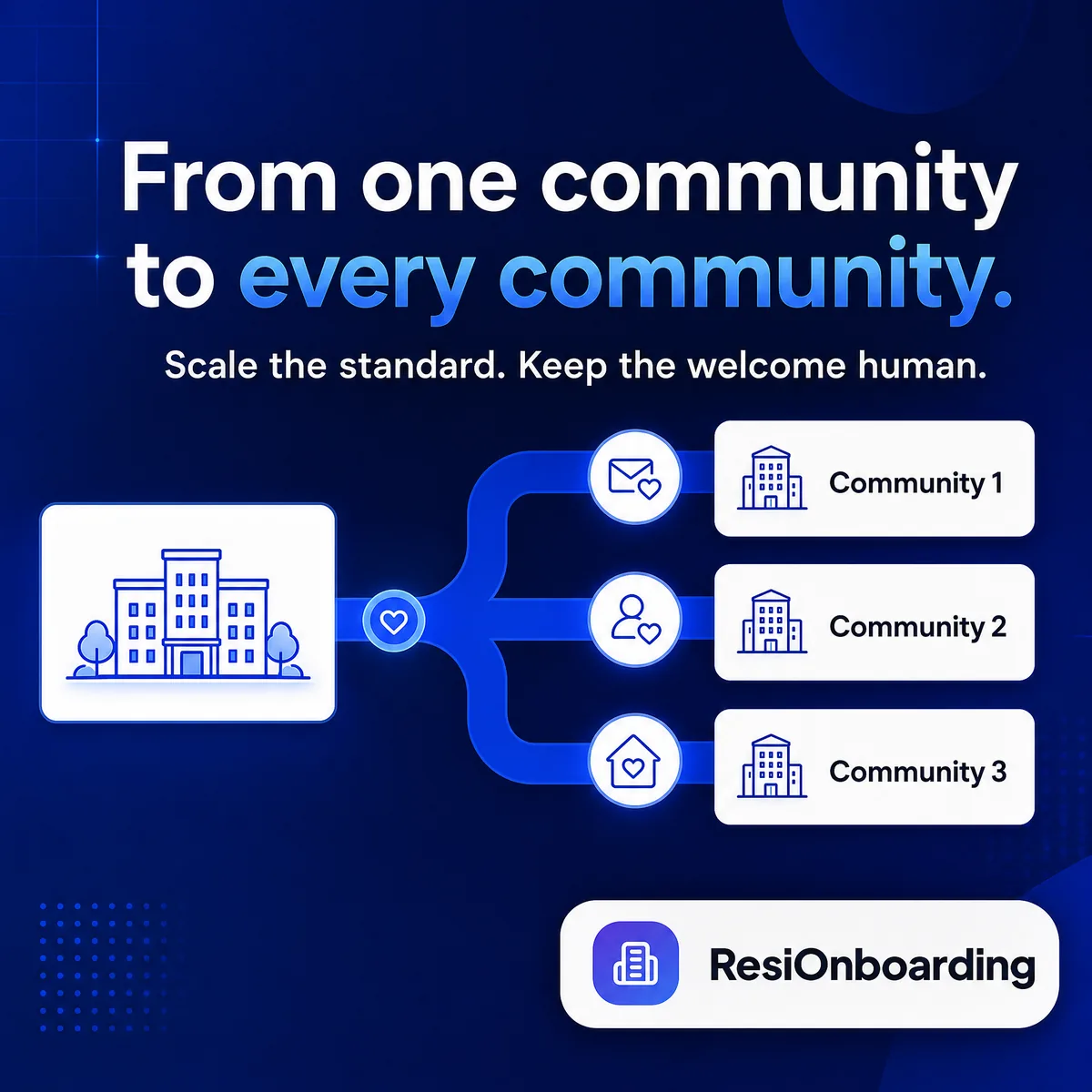
Regional and portfolio leaders get a single view across every community, showing where move-ins are stalling, which departments are behind, and which communities are not using the platform as expected. Each community keeps its own residents, staff, tasks and documents, and staff only see the communities they belong to. Standard templates can be pushed across the portfolio while leaving room for local variation.
ResiOnboarding runs a structured settling-in programme through the first 90 days, combining checkpoint surveys with short prompts that make sure a new resident actually knows how the community works. Prompts cover practical ground — how to submit a maintenance request, where to find the transport schedule, how dining works — and a resident can mark any of them as already known. Responses feed an operator view that flags residents who report they have not yet found their footing.
The first 90 days set whether a resident feels they made the right decision, and that judgment is difficult to reverse once formed. It is the window in which a resident builds their routines, forms their first relationships, and decides whether the community matches what was promised during the sales process. It is also when families are most attentive and most likely to escalate. Structured check-ins during this window surface problems while they are still small enough to fix.
Request a demo through the website and someone from the team will reach out to walk you through the platform with your communities in mind.
We'll walk through your current move-in process and show you where residents and staff are losing time. Start with our pilot program at one community and decide based on what your team sees.
A 10-page field guide on why move-in breaks down, what it costs you in retention and referrals, and the four-phase structure operators use to fix it.